Número de parte : 5-915-2-08-21

IPEVO VurboCam 4K Webcam con tecnología Vurbo.ai
Imágenes nítidas,
Sonido claro,
Análisis instantáneos


4K Ultra HD

Micrófono de alta sensibilidad

Transcripción y resumen por IA

Traducción en tiempo real
Tu asistente de reuniones con inteligencia artificialDe la conversación a la comprensión
Experimenta claridad e inteligencia en un único dispositivo.
La VurboCam 4K ofrece video en ultra alta definición 4K y cuenta con un micrófono omnidireccional que capta el audio con total nitidez para reuniones virtuales.
Integrada con el software Vurbo.ai, permite la transcripción, traducción y resumen en tiempo real de las conversaciones.
Cada diálogo se procesa y organiza al instante, asegurando una comunicación clara y aumentando la productividad en cada reunión.
Deja que la IA tome notas.Toma el control.
Reuniones remotas
Webinarios
Entrevistas virtuales
Consultas legales y médicas
Soporte al cliente / Demos
Activa la traducción en tiempo real entre participantes multilingües y genera resúmenes automáticos de la reunión sin necesidad de tomar notas manualmente.
Ofrece sesiones atractivas con subtítulos en tiempo real y resúmenes automáticos posteriores, mejorando la accesibilidad y la retención del conocimiento.
Graba y transcribe entrevistas con candidatos para facilitar la evaluación, el seguimiento de cumplimiento y una documentación eficiente.
Genera resúmenes precisos y documentados de las interacciones con clientes o pacientes, para facilitar anotaciones, seguimientos y un registro seguro de la información.
Captura las preguntas, necesidades y próximos pasos del cliente, garantizando una experiencia personalizada y bien documentada.
Imagen nítida, sonido claro, concentración total


4K Ultra HD (13MP)
120° Lens
Privacy Cover
AI Assist Button

Delivers sharp video that elevates your presence and performance.
Offers a clean, wide perspective with precise framing for any setup.
A sleek, integrated cover ensures privacy is always one slide away.
With Vurbo.ai active, press and hold the button for 3 seconds to toggle transcription on or off. Tap once to pause or resume.


Plug and Play, Easy to Setup
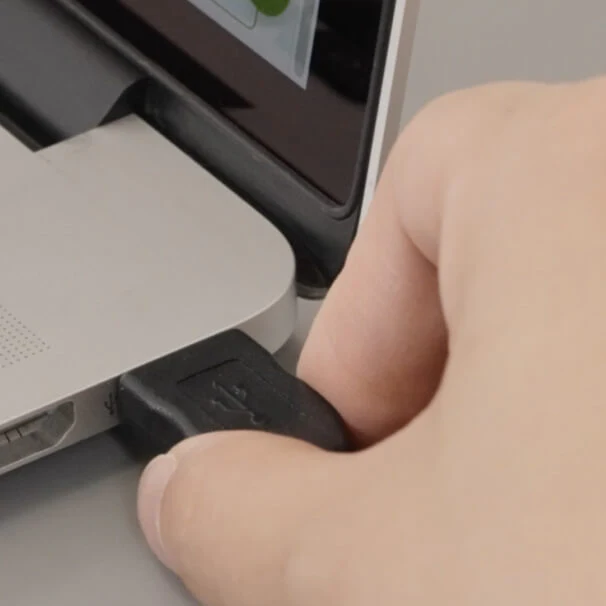
Instantly connects to your computer and is ready to use.

VurboCam Compatible with All Monitors
Seamlessly mounts on a wide range of monitors.

Works with Everything
Plug and play compatible with Zoom, Google Meet, Microsoft Teams, Webex, GoToMeeting, and more - on Windows, Mac, and Chromebooks.

*All trademarks, logos, and brands are the property of their respective owners and are used for identification purposes only.